Choice lists
A choice list is a set of options for select fields kept in one place, so every content type offers the same choices. Edit the list, and every field using it follows.
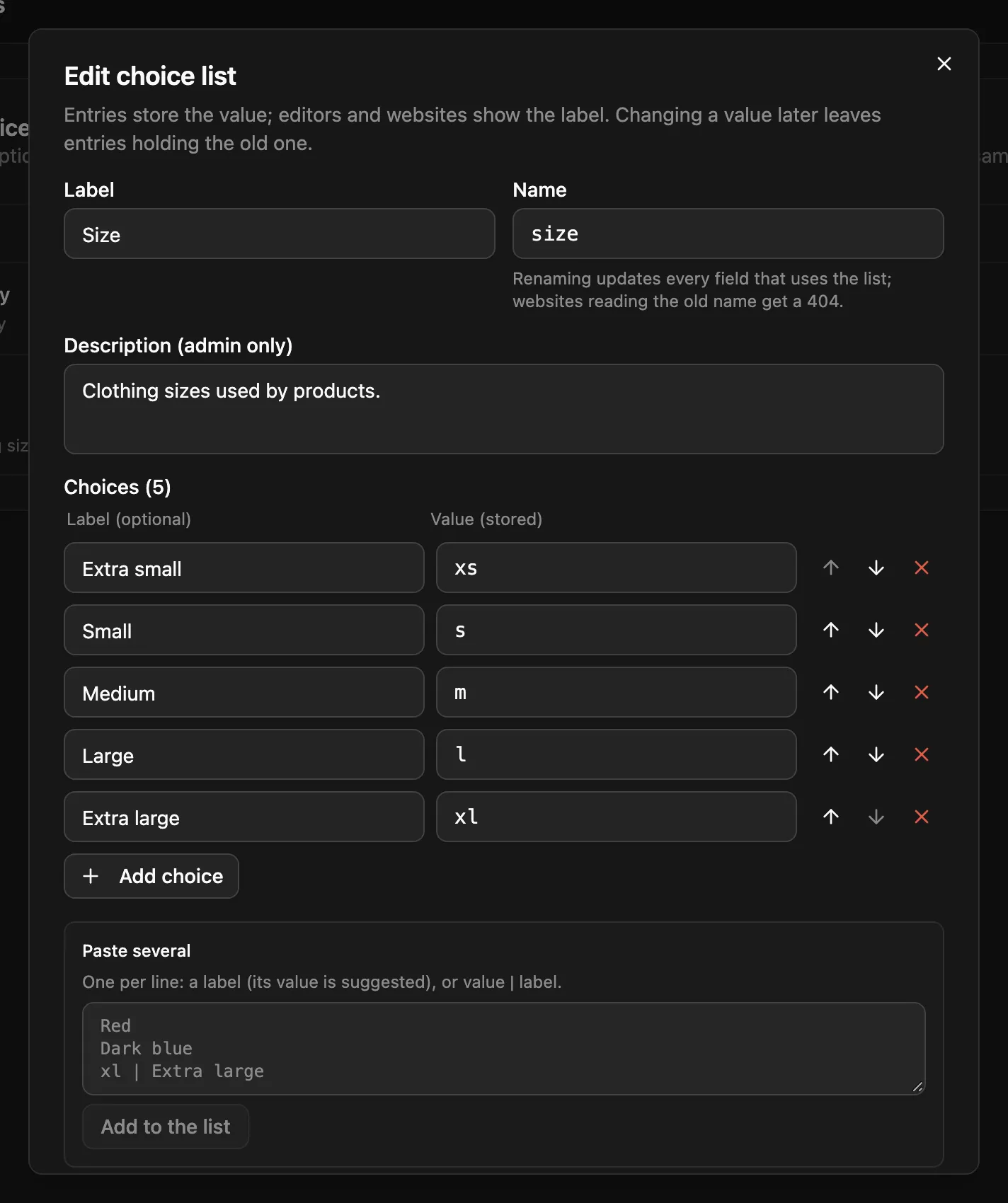
Manage them under Settings → Choice lists (admins only). Each choice has a value, which entries store, and an optional label, which editors see.
Using a list
Section titled “Using a list”A select field takes its choices either typed on the field (options.choices) or from a list (options.choiceList):
// Settings → Choice lists → "Department"{  "name": "department",  "label": "Department",  "choices": [    { "value": "eng", "label": "Engineering" },    { "value": "sales", "label": "Sales" },    { "value": "support" }  ]}
// A select field in any content type or component{ "name": "department", "type": "select", "options": { "choiceList": "department" } }
When the field is saved, the server copies the list into it:
{ "name": "department", "type": "select", "options": { "choiceList": "department", "choices": ["eng", "sales", "support"], "choiceLabels": { "eng": "Engineering", "sales": "Sales" } }}choiceLabels holds only the labels that differ from their value. Entries store the value: { "department": "eng" }.
This works wherever a select field can be: at the top level, inside repeaters, groups and flexible layouts, and in components. Put the field in a component used inline, and every content type including it gets the same top-level field.
Editing a list
Section titled “Editing a list”- Add choices one at a time, or paste several, one per line:
Label, orvalue | Label. Drag to reorder. - Saving updates every content type and component that uses the list.
- Removing a value doesn’t change existing entries. The response reports how many entries still hold removed values (
removedValuesInUse), and those entries fail validation on their next save until someone picks a new value. - A list that a field uses can’t be deleted (
409). Switch those fields to their own choices first. - Up to 1,000 choices per list. Values must be unique, non-empty and at most 200 characters.
Reading lists from your site
Section titled “Reading lists from your site”Building a form or a filter? Read the same choices from the public endpoints. No key is needed, and responses are cached for 60 seconds:
GET /api/choice-lists/departmentGET /api/choice-lists?names=department,country # up to 50 at once{ "name": "department", "label": "Department", "choices": [{ "value": "eng", "label": "Engineering" }, { "value": "sales", "label": "Sales" }, { "value": "support" }]}The ?names= form returns an array of lists.
| Endpoint | Does | Who |
|---|---|---|
GET /api/choice-lists/:name |
one list | public |
GET /api/choice-lists?names=a,b |
several lists by name (max 50) | public |
GET /api/choice-lists |
every list, with the content types, components and fields using it | admin |
POST /api/choice-lists |
creates one: { name, label, description?, choices: [{ value, label? }] } |
admin |
PUT /api/choice-lists/:id |
updates it and everything using it; returns updatedContentTypes, updatedComponents, removedValues, removedValuesInUse, propagationErrors |
admin |
DELETE /api/choice-lists/:id |
deletes it (409 while a field uses it) |
admin |
Schema exports and the schema:pull / schema:push CLI include choice lists.